Animated Hover Effects for Your Windows 11 Taskbar
Make the buttons on your original Windows 11 taskbar respond with glow, animated pulses and frames. Juicy Taskdock adds visual feedback to the real taskbar icons you already use to launch and switch applications.
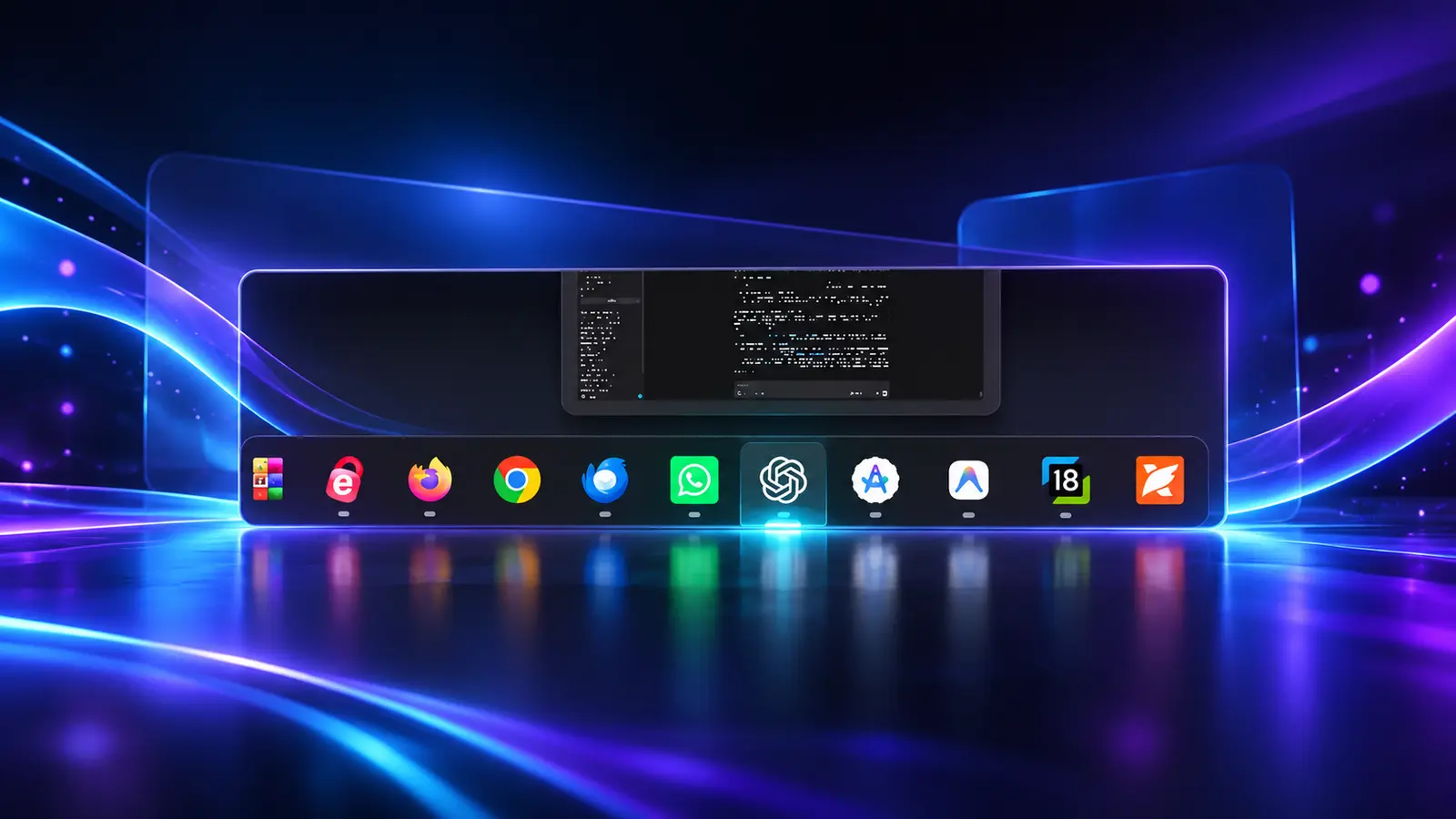
Glow, Pulses and Frames
Glass-card hover glow
Bring layered lighting and a glass-card appearance to the taskbar button beneath your pointer.
Animated pulses
Add moving light feedback to the taskbar's existing interactive buttons.
Frames and glow animations
Give original taskbar icons a more expressive visual response as you move between applications.
Your Normal Taskbar Workflow
These effects enhance the Windows taskbar itself. Your pinned applications and running app icons stay part of that taskbar, so adding visual feedback does not require a separate launcher or a recreated set of shortcuts.
Taskdock is for people who want a more animated desktop while keeping their familiar app-launching and switching controls.
Looking for Icon Magnification?
Hover effects add lighting and animation; magnification enlarges the actual icons as your pointer crosses the taskbar. Explore native Windows 11 taskbar magnification, or return to the Taskdock product page for the full overview.
Download Taskbar Hover Animations
View current screenshots, videos and product details in Microsoft Store.
Download Juicy Taskdock on Microsoft Store ↗