Animated Taskbar Effects for Windows 11
Give the Windows 11 taskbar more personality with responsive hover effects, glow, focus and motion. Juicy TaskDock adds visual feedback without replacing your taskbar.
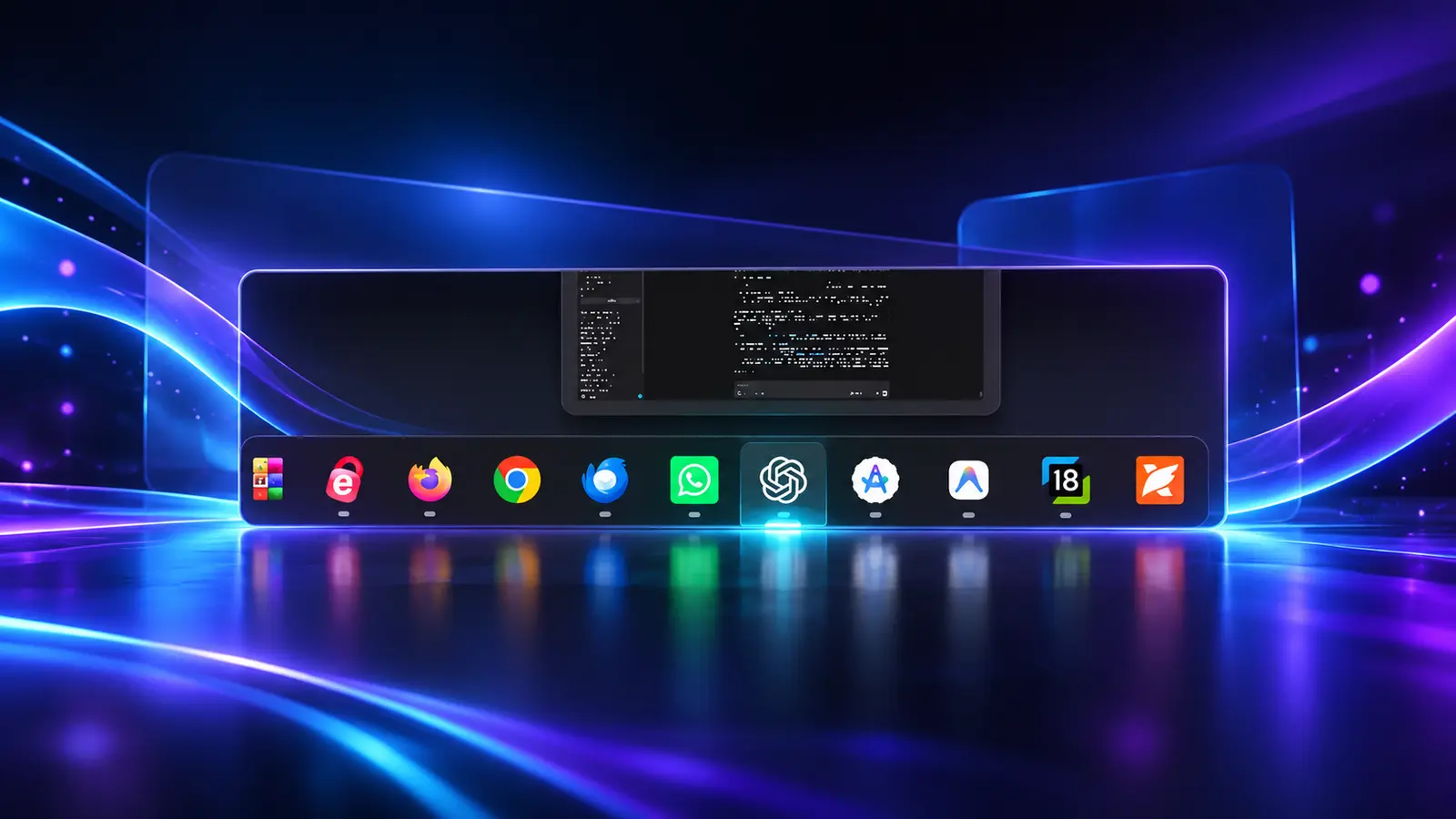
Customize Your Windows 11 Taskbar
Juicy TaskDock is a Windows taskbar customization tool for adding expressive, responsive feedback to the taskbar you already use every day. It keeps the familiar Windows workflow intact while making icons feel more tactile and visible.
Animated taskbar icons
Bring subtle motion and visual feedback to the taskbar icons beneath your pointer.
Taskbar hover effects
Highlight the active area while giving the rest of the taskbar a calmer appearance.
Windows 11 visual effects
A focused customization utility for people who want a livelier desktop without a full shell replacement.
Animated Effects for Taskbar Icons
Juicy TaskDock adds animated taskbar icons, glow, focus, and hover effects to Windows 11. These taskbar visual effects help show where your pointer is and which app area is active, while staying subtle enough for everyday work, browsing, and multitasking. If you enjoy Windows 11 customization but do not want to replace the normal taskbar, TaskDock provides a focused way to personalize it.
Lightweight Windows Customization
TaskDock is designed as a small, focused Windows customization utility. It enhances the existing taskbar rather than changing how you launch, switch between, or organize apps. That makes it useful for anyone looking for Windows 11 taskbar effects or a little more visual feedback without adding a new shell or changing the familiar workflow.
Quick answers.
Does it replace the Windows taskbar?
No. Juicy TaskDock enhances the existing taskbar with visual effects.
What can I customize?
Choose from the available animation and visual-effect options inside the app.
Where can I install it?
Juicy TaskDock is available from the Microsoft Store.
Available on Microsoft Store
Install Juicy TaskDock from the Microsoft Store and explore more Juicy Windows utilities: