Animated File Explorer Effects for Windows 11
Add colorful animated hover effects to supported toolbar and navigation buttons in Windows File Explorer. Choose a subtle glow, neon frame, orbiting particles, flowing trails and more.
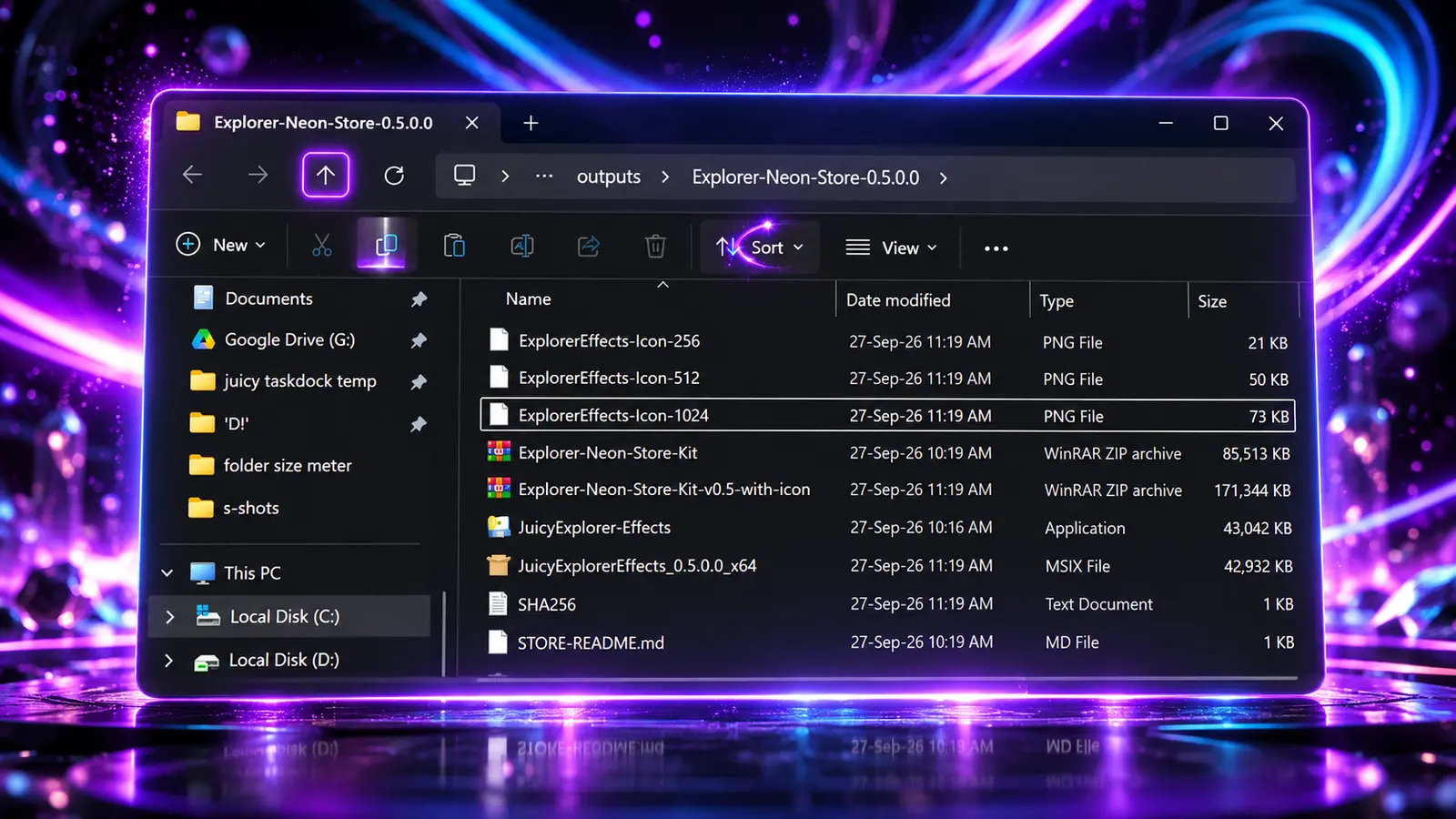
Customize Windows 11 File Explorer
Juicy Explorer Effects adds colorful visual feedback to supported toolbar and navigation buttons in Windows 11 File Explorer. It is a focused Windows customization utility for anyone who wants File Explorer to feel more expressive without replacing the normal Explorer workflow.
11 animated effects
Classic Glow, Neon Pulse, Neon Frame, Light Sweep, Transporter, Floor Swirl, Halo Ripple, Comet Trail, Magnetic Bloom, Atom and more.
Colors that fit your desktop
Choose from six colors or follow the Windows accent color, with three glow intensity levels.
Simple File Explorer customization
Change the effect and color, pause animations or exit whenever you like.
Animated Hover Effects and Visual Feedback
Choose from glow, neon frames, light sweeps, orbiting particles, comet trails, and other animated effects for supported Explorer controls. Six colors, Windows accent color support, and three glow intensity levels let you match the look to your desktop. The app runs locally, so the familiar Windows 11 File Explorer remains in place while its buttons gain subtle or more energetic visual effects.
Quick answers.
Where do the effects appear?
On supported File Explorer toolbar and navigation buttons. Support can vary by Windows version and Explorer layout.
Does it need an account or internet connection?
No. It runs locally and includes no ads or analytics.
Does it work across monitors?
Effects follow the visible File Explorer window beneath your pointer, including when moving between monitors.
Available on Microsoft Store
Install Juicy Explorer Effects from the Microsoft Store and explore more Juicy Windows customization tools: