ReadingBlast.
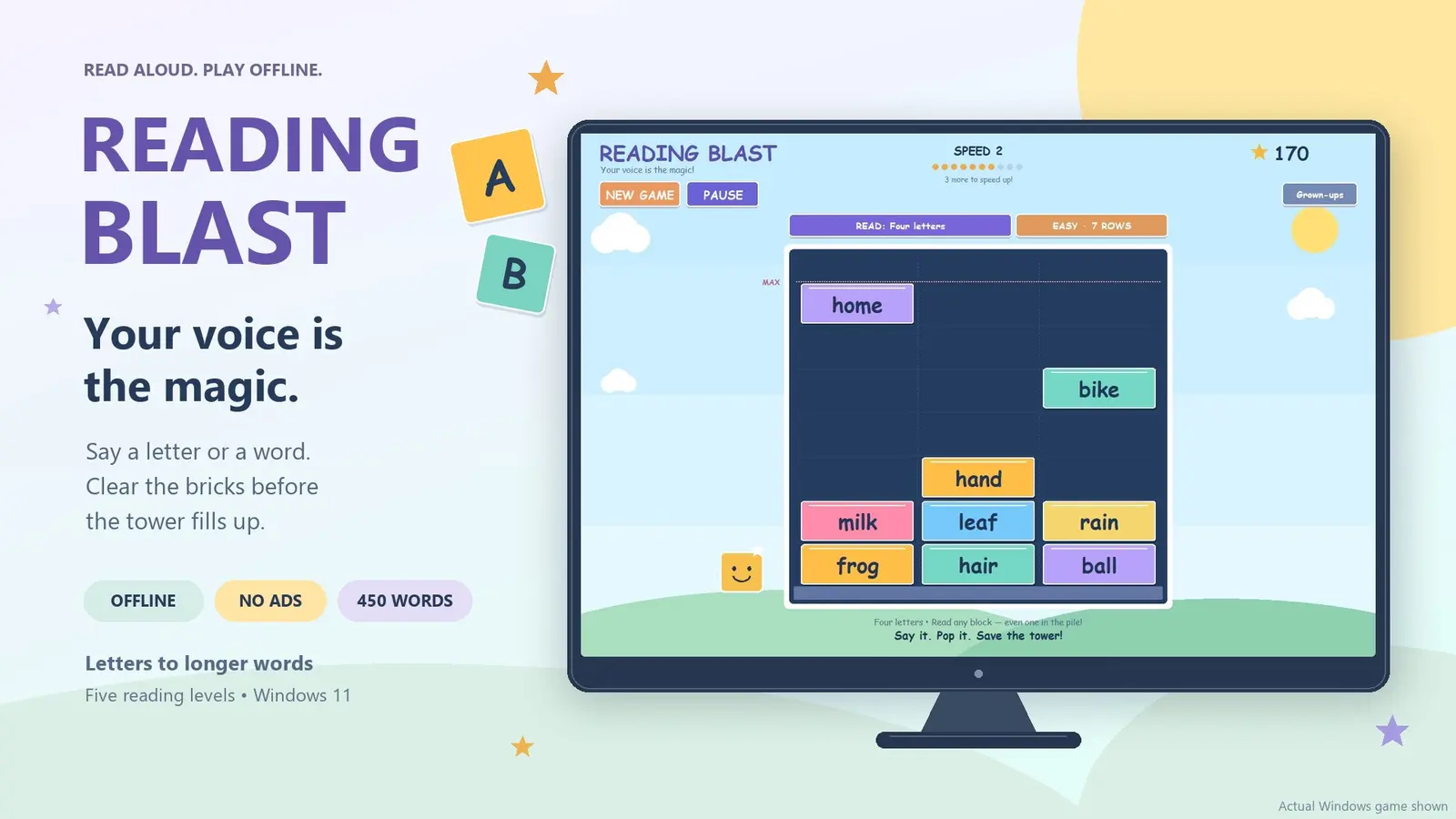
Your voice is the magic. Say a letter or read a word aloud to clear colorful bricks before the tower fills up. A playful way to practice English reading, with speech recognition that runs locally on your computer.
Read Aloud. Play Offline.
From letters to longer words
Start with the 26 English letter names, then practice 450 words across four word levels: short words, four-letter words, five-letter words and longer words.
Read aloud to clear the bricks
Clear a falling brick or rescue one that has already landed. Choose an easy seven-row board or a more challenging four-row board. Every ten successful answers increase the pace.
Offline speech recognition
Speech recognition runs on your computer without sending microphone audio to a cloud service. No account, ads or subscription is required.
Quick Answers
What do I need to play?
Reading Blast requires Windows 11 and a microphone. Parents can select a microphone and adjust sensitivity for quieter voices.
Who is it for?
It is designed for beginning English readers and learners of English as an additional language. It is a practice game rather than a complete phonics course.
Is microphone audio saved?
Microphone recordings are not saved. Progress and text-only recognition logs are stored locally.
How reliable is speech recognition?
Recognition accuracy varies with pronunciation, microphone quality and background noise. Try a quiet room and adjust microphone sensitivity as needed.
Where can I install Reading Blast?
Get Reading Blast from Microsoft Store. Check the listing for current pricing and system requirements.